

Summary:
- Staring at screens for long hours can lead to vision problems that start small but worsen over time.
- Digital eye strain is the most common, causing dry eyes, blurred vision, and frequent headaches.
- Going for an annual eye screening in Singapore is a quick way of detecting early signs of vision deterioration and protecting your long-term health t.
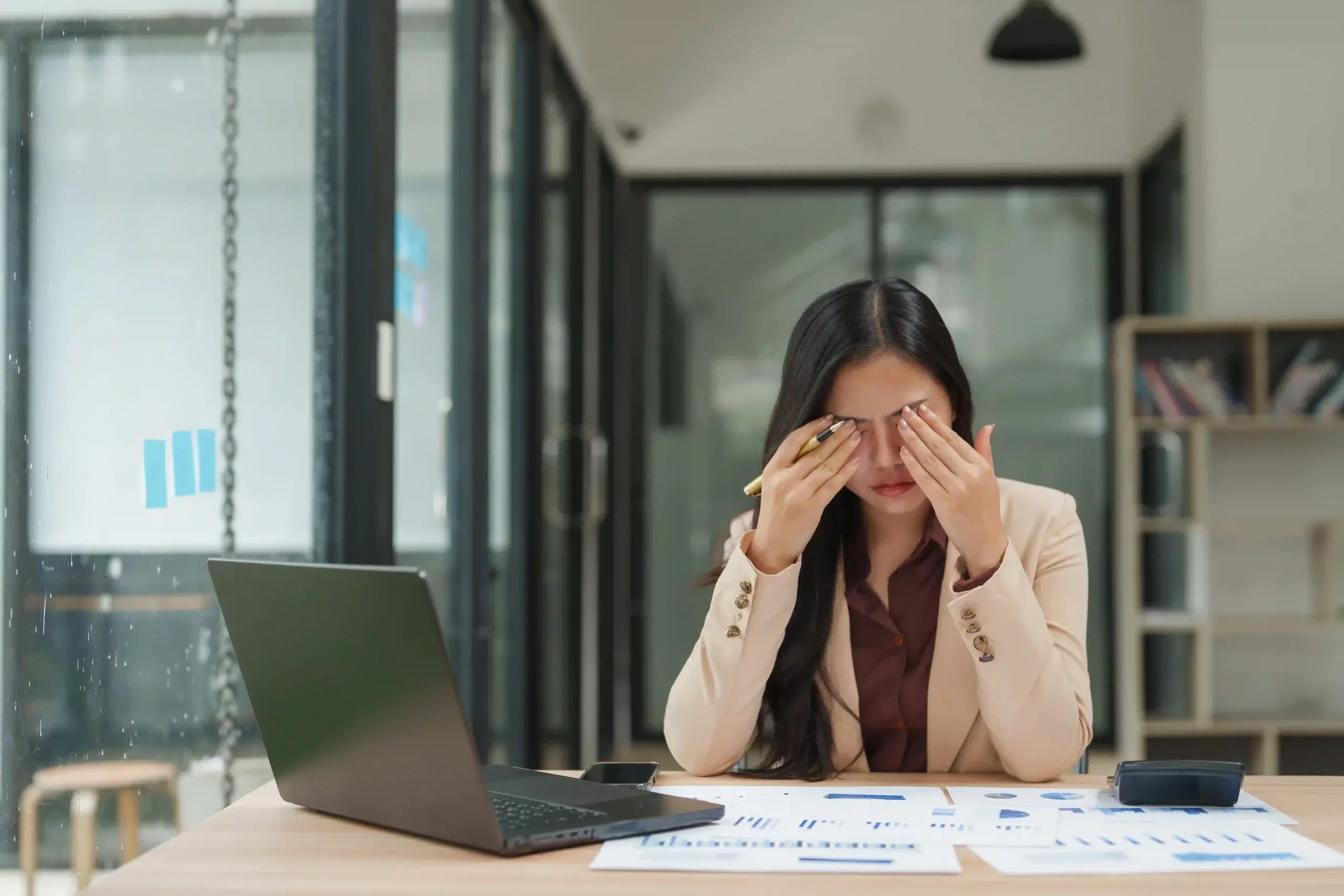
You stare at your screen for hours, and by late afternoon, your eyes are dry, your vision’s fuzzy, and maybe there’s a dull headache pulsing behind your brow. Digital eye strain is real, and now a public health concern.
What exactly is digital eye strain? What other problems are caused by screen use? How concerned should you be, and when should you go to an eye care clinic in Singapore? Read on to find out.
Common Eye Problems From Screen Use
Screens, from phones to laptops, are part of nearly every job, and with them come new challenges for your eyes.
Digital Eye Strain
Digital eye strain, also known as computer vision syndrome, refers to a group of eye- and vision-related symptoms that result from prolonged use of digital devices, including:
- Tired, aching eyes
- Blurry or fluctuating vision
- Difficulty maintaining focus
- Neck, shoulder, or back pain (linked to posture and prolonged screen time)
Unlike a printed page, a screen forces your eyes to work harder. Glare, pixel clarity, backlighting, and constant switching between tabs and tasks can overwork and fatigue your focus (ciliary) muscles.
Dry Eye and Reduced Blinking
Digital eye strain, also known as computer vision syndrome, refers to a group of eye- and vision-related symptoms that result from prolonged use of digital devices, including:
- Tired, aching eyes
- Blurry or fluctuating vision
- Difficulty maintaining focus
- Neck, shoulder, or back pain (linked to posture and prolonged screen time)
Unlike a printed page, a screen forces your eyes to work harder. Glare, pixel clarity, backlighting, and constant switching between tabs and tasks can overwork and fatigue your focus (ciliary) muscles.
Blurred Vision and Refocusing Issues
When your eyes fixate on a screen for long stretches, the muscles that control focus (especially at near distances) become strained. This condition is often called accommodation fatigue.
You may experience:
- Temporary blurred vision when looking away from your screen
- Trouble refocusing from near to far (or vice versa)
- Eye fatigue after switching between tasks
While usually temporary, this type of eye strain can become more persistent without proper breaks or corrective support.
Light Sensitivity and Headache
Screens emit a combination of blue light, glare, and contrast, which can overstimulate the visual system, especially in dim or poorly lit environments. This overstimulation may lead to:
- Sensitivity to indoor or outdoor light
- Mild to moderate headaches behind the eyes or temples
- A heavy or “tight” feeling in the forehead or brow
- Fatigue that worsens throughout the day
Blue light exposure in the evening can also disrupt melatonin production, which can interfere with your sleep and, by extension, eye health.
Experiencing any of these symptoms? Book an eye screening at Lumin Eye Clinic in Singapore.
Workplace and Lifestyle Adjustments
Screen fatigue isn’t just about how long you look. It’s also about where, how, and what you’re looking at. A few changes to your workspace and daily habits can significantly ease the strain on your eyes.
Here’s how to make screen-heavy days easier on your vision.
Optimising Desk and Screen Setup
A screen that’s too close, too bright, or angled poorly can exhaust your eyes before lunch. Here’s what you can do:
- Keep your monitor an arm’s length away, with the top of the screen at or slightly below eye level.
- Tilt the screen slightly upward and reduce glare by positioning it away from windows or overhead lights.
- Use soft, indirect lighting, preferably natural light during the day.
- Consider a matte screen filter or blue light filter settings, especially if you work in darker environments or late into the evening.
A good setup also improves your posture and reduces the tension in your neck and shoulders.
Healthy Screen Habits and Breaks
Even a perfect setup won’t help if you never take your eyes off the screen. Supplement your eye care with the following:
- Every 20 minutes, look at something 20 feet away for 20 seconds.
- Every five to 10 minutes, look away from your screen, stretch, roll your shoulders, or close your eyes for 10 to 30 seconds.
- Switch between screen-based tasks and offline tasks, like writing notes, reviewing papers, or taking a walking call.
- Increase your text size and screen contrast to avoid squinting and leaning in.
- Turn on blue light filters or night mode, especially in the evening.
- Place a warm towel over closed eyes for a minute to ease visual tension.
- Blink more often, and more fully, especially when you’re focused.
- Set aside 30 to 60 minutes of screen-free time each day to let your eyes recover.
- Avoid screens for at least an hour before bed.
The more routine these small habits become, the less strain your eyes will endure.
Daily Eye Care Practices
Think of this like a skincare routine, but for your eyes.
- Use preservative-free lubricating drops if your eyes feel dry or gritty, especially in air-conditioned spaces.
- Apply a warm compress to help with oil gland function and reduce eye irritation, particularly if you have dry eyes.
- Use a cool pack or gel mask for tired eyes or tension headaches, as they’re soothing and can reduce inflammation.
- Stay hydrated and consider foods rich in omega-3 fatty acids to support tear production and overall eye health.
Get professional guidance from Lumin Eye specialists in Singapore. Book your eye screening today.
How Do Eye Clinics Detect Screen-Related Issues?
Screen-related vision problems don’t always show up clearly or feel urgent. Here are the targeted eye screenings we conduct at Lumin Eye.
Eye Tests for Digital Strain
A standard eye exam may include checks for:
- Visual acuity
- Tear film stability (to assess dryness)
- Blue light sensitivity
- Refraction changes linked to prolonged near focus
These tests help uncover early signs of digital strain, even if you haven’t noticed them yet.
Learn more about an eye screening at Lumin Eye.
Evaluating Focus and Coordination
We may also assess how well your eyes work together. Prolonged screen time can disrupt:
- Binocular vision (how your eyes team up)
- Accommodation (how your eyes shift focus)
- Convergence (how well your eyes align at near distances)
Subtle issues here can lead to headaches, double vision, or difficulty concentrating, especially during long digital tasks.
Support Your Long-Term Eye Health
Your eyes weren’t built for 10-hour workdays in front of a screen. But with the right support, they can keep up and stay healthy.
If you’re experiencing discomfort or simply want to prevent it, book a consultation with us. We’ll assess your current eye health, address any signs of digital strain, and guide you toward personalised solutions that fit your lifestyle and screen habits.